6 min read20 min cable auditZero-drill optionsElectrical safety first
On a small home desk, three wandering phone cords and a dusty power strip by your ankles quietly steal focus all day. Route power underneath the desktop safely, keep one tidy charger dock up top, and reclaim your workspace.
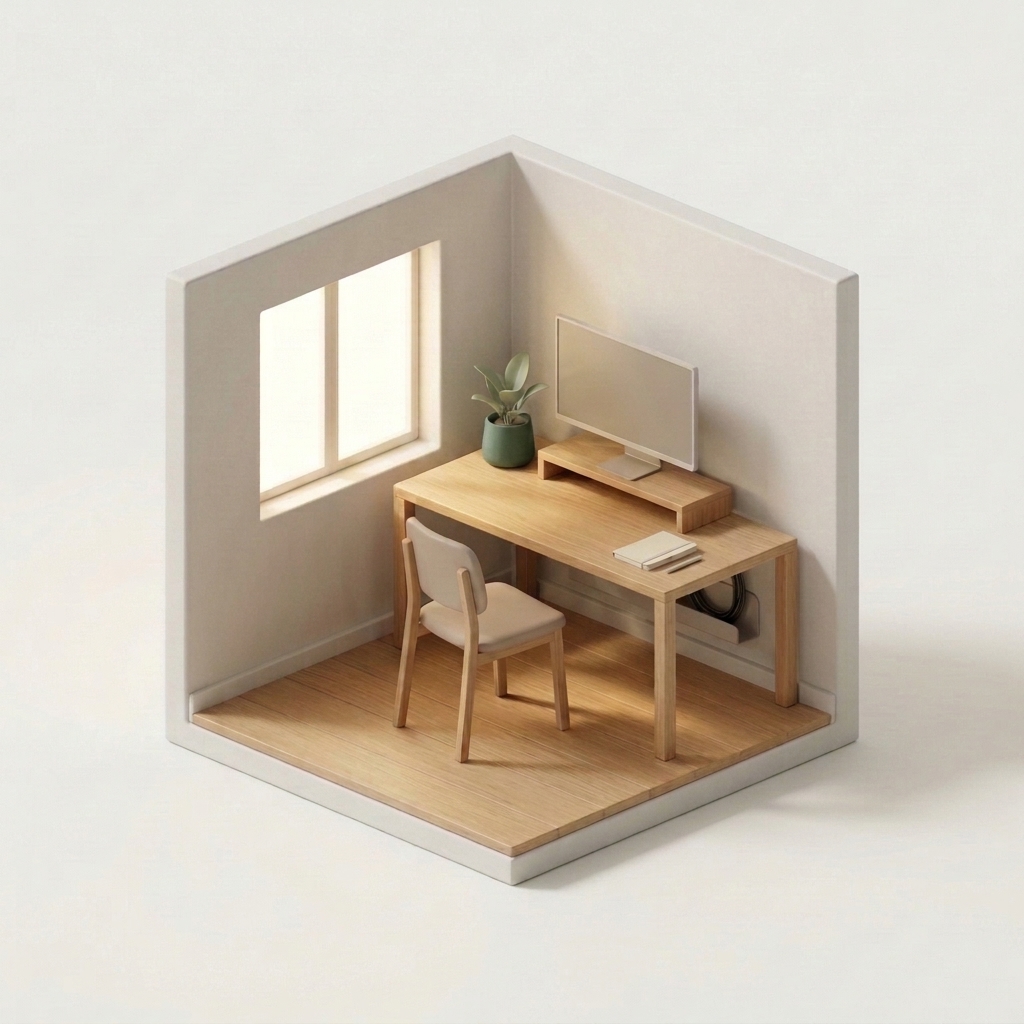
Illustration: AI-generated 3D miniature concept showing an uncluttered desk surface with cords gathered cleanly beneath the desktop in a tray.
20-Minute Desk Cable Reset & Safety Checklist
Take twenty minutes to unplug, simplify, and mount cords safely so your chair never rolls over a live wire again.
Tap any step as you finish it0 steps done
Zone 1 · Desktop
One Charging Dock
Weighted magnetic clip or compact USB-C hub for phone and earbuds.
Zone 2 · Underside
Ventilated Tray
Under-desk tray holding one surge strip and loosely coiled slack.
Zone 3 · Desk Leg
Single Cord Drop
Braided sleeve guiding the main power lead cleanly down to the wall outlet.
9 Practical Cable Fixes for Small Desks
Check desktop thickness and rear overhang before ordering clamp-on trays—many narrow desks place steel crossbars right along the back edge.
01
Clamp-On Ventilated Under-Desk Cable Tray
Best for: Renters and finished wood desktops where you do not want to drill
Measure check: Check rear overhang depth (typically needs 1.5 to 2 inches clear of steel frame)
Cradles your surge strip and laptop brick neatly beneath the desk with open wire airflow so nothing sits on the floor.
Paid link (#ad) · Placeholder slot — link added after Associates approval
02
Reusable Hook-and-Loop Cable Ties (Cut-to-Length Roll)
Best for: Shortening extra monitor and lamp cord loops without sharp zip ties
Measure check: Wrap gently—never fold power cords into tight 90-degree kinks
Soft fabric straps peel open easily whenever you swap a monitor or charger, unlike plastic zip ties that risk nicking jackets when snipped.
Paid link (#ad) · Placeholder slot — link added after Associates approval
03
Split Braided or Zippered Cable Sleeve
Best for: Bundling 4 dangling cords running to the wall into 1 calm line
Measure check: Measure from your under-desk tray down to the wall outlet before cutting
Wraps power, audio, and display cords into one sleek tube that follows the back desk leg out of sight.
Paid link (#ad) · Placeholder slot — link added after Associates approval
04
Weighted Magnetic Cable Anchors (Desk Edge)
Best for: Keeping your phone and tablet cords from sliding behind the desk
Measure check: Verify magnetic collars fit standard USB-C and Lightning cord diameters
Rest quietly on a back corner and hold charging tips ready at your fingertips the moment you unplug.
Paid link (#ad) · Placeholder slot — link added after Associates approval
05
Compact Multi-Port USB-C Desktop Charging Station
Best for: Replacing three bulky wall adapters with one neat front outlet
Measure check: Confirm total wattage matches your laptop + phone charging needs
Frees outlets on your under-desk strip and keeps short 1-foot charging leads tidy near your notebook.
Paid link (#ad) · Placeholder slot — link added after Associates approval
06
Self-Adhesive Under-Desk J-Channel Raceway
Best for: Thin metal-frame desks or shallow overhangs that cannot fit clamps
Measure check: Clean the underside with rubbing alcohol and let dry before sticking
Creates a slim hidden trough for lightweight keyboard, webcam, and mouse cables along the rear edge.
Paid link (#ad) · Placeholder slot — link added after Associates approval
07
Low-Profile Monitor Riser with Rear Cord Cutout
Best for: Hiding keyboard wires and small USB hubs right beneath your screen
Measure check: Check desk depth so your keyboard and wrists still sit comfortably in front
Raises your monitor closer to eye level while routing webcam and keyboard cords smoothly behind the stand.
Paid link (#ad) · Placeholder slot — link added after Associates approval
08
Writable Wrap-Around Cord Labels
Best for: Identifying matching black power plugs inside your under-desk tray
Measure check: Use flexible wrap flags rather than paper stickers that peel off
Saves you from unplugging your Wi-Fi router or monitor by mistake when grabbing your laptop charger for a trip.
Paid link (#ad) · Placeholder slot — link added after Associates approval
Best for: Covering a bulky outlet-side surge strip when under-desk mounting will not fit
Measure check: Measure full strip length plus tall plugs, and keep rear vent slots clear
Conceals wall-side cords inside a clean matte box—always avoid cramming hot bricks tightly inside so air circulates safely.
Paid link (#ad) · Placeholder slot — link added after Associates approval
4 Small-Desk Cable & Safety Mistakes to Avoid
Common Trap
Daisy-chaining power strips or plugging in high-wattage heaters
Do this instead: Plug one properly rated surge strip directly into the wall outlet and keep desk power strips strictly for light electronics.
Common Trap
Cinched plastic zip ties on cords you adjust often
Do this instead: Zip ties pinch insulation and invite accidental blade nicks later. Stick to soft, reusable hook-and-loop straps.
Common Trap
Sealing warm laptop power bricks inside airless boxes
Do this instead: Favor open wire under-desk trays or wide-vented boxes with space around each adapter so heat escapes safely.
Common Trap
Taping cords taut without testing monitor swivel or chair roll
Do this instead: Move your monitor and roll your chair through full range before locking down ties so plugs never yank loose.
Frequently Asked Questions
How can I hide desk cables in a rental without drilling into wood?
Pair a clamp-on under-desk tray with a braided cord sleeve running down one back desk leg—zero screws needed, and everything comes off clean.
Is it safe to put a laptop power brick inside a cable management box?
Only if the box is generously vented and not crammed tight with coiled wire. Open metal wire under-desk trays offer much better airflow for warm adapters.
What should I do with spare cables I only use once a month?
Unplug them completely, wrap each with a fabric tie, and store them in one labeled zippered pouch inside a drawer so only daily wires live on the desk.